
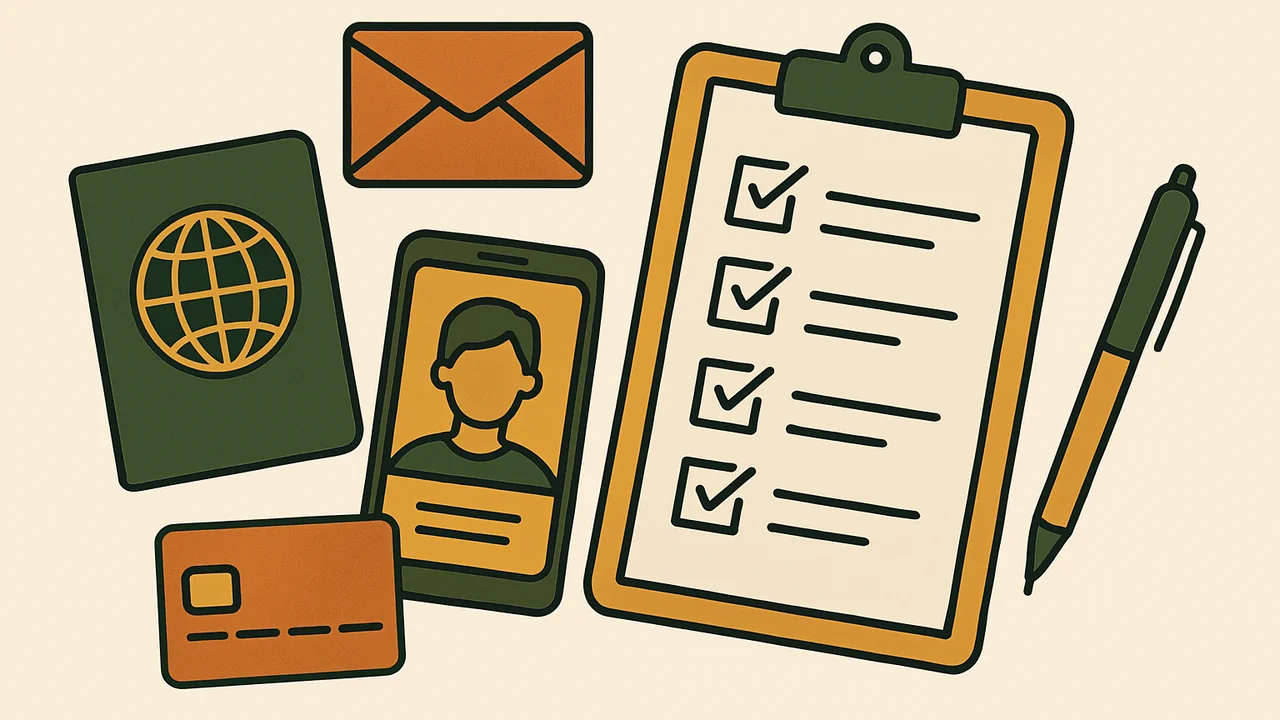
A UK ETA application on etourist.com goes smoothly when everything is ready before you open the form. Use this checklist to prepare a UK visitor authorization submission, then read the sections below for the reason behind each item.
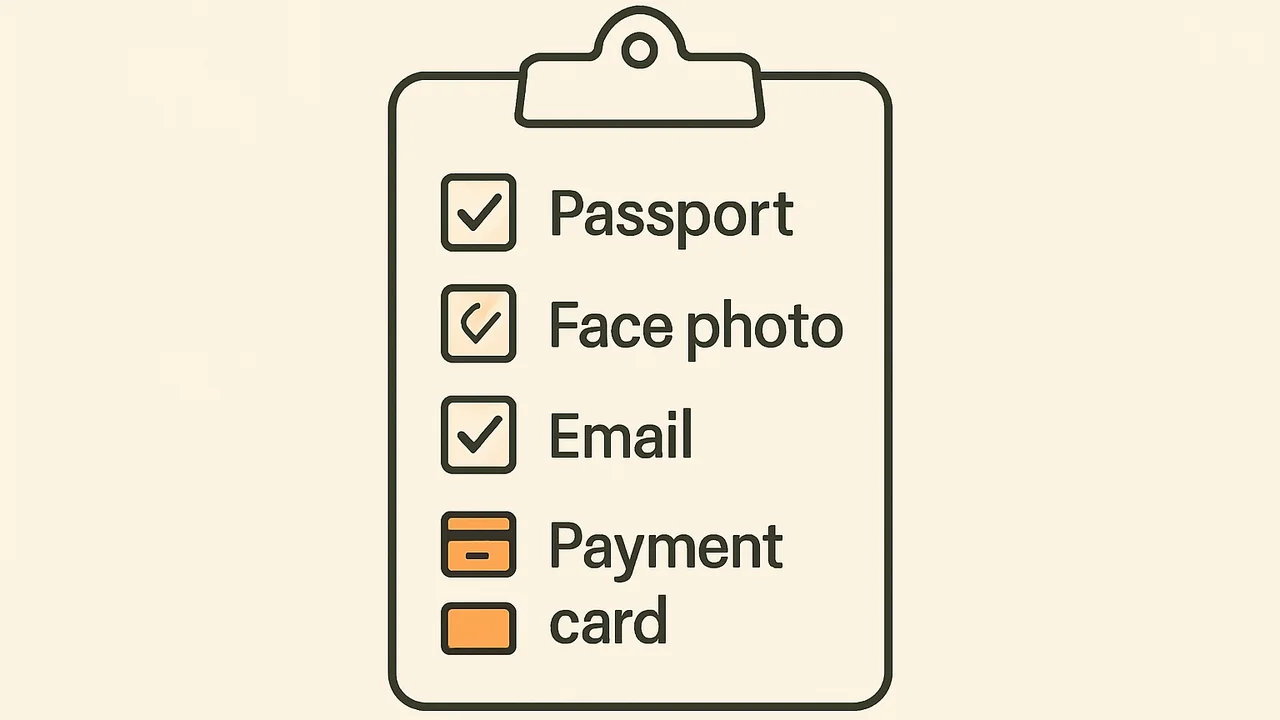
- Passport you will travel on, valid for the trip
- Face photo that meets the GOV.UK rules
- Email address you can check while travelling
- Debit or credit card
- Home address and employment details
- At least three working days before departure
Passport Checks to Run First
The passport drives everything else, because GOV.UK links each ETA to the passport used in the application. A mistake here cannot be fixed later without a new application and a new fee.
| Check | Why it matters |
|---|---|
| It is the passport you will travel on | The airline looks for an ETA matching that passport |
| It is from a visa-free country | Visa nationals need a visa, not an ETA |
| It is biometric where possible | eTourist’s UK page lists a biometric passport as preferred |
| Its expiry date is well ahead | The ETA ends when the passport expires |
Photo Standards the Home Office Uses
GOV.UK links ETA applicants to its rules for digital photos of faces. A photo that misses them can cause delays or a rejection. The official photo guidance sets out the full list.
- Plain, light-coloured background with clear contrast
- Well-lit room, no shadows on your face or behind you
- Plain expression, mouth closed, eyes open and visible
- No glasses unless you need them, and no glare or tint
- Head, shoulders and upper body in the frame
- No filters or editing
Tip. GOV.UK suggests asking another person to take the photo. It is the simplest way to avoid shadows and awkward framing.
Details to Have Ready for the Form
eTourist estimates the form at about five minutes. It only stays that short if you are not searching for information halfway through.
- Full name exactly as on the passport photo page
- Passport number, issue date and expiry date
- Date of birth and nationality
- Home address
- Employment details
- Answers to background questions, such as criminal history
- Email address and phone number
Answer every question truthfully. The eTourist terms make you responsible for complete, accurate and current information, and Denial Protection does not cover applications with inaccurate answers.
Timing Your UK Visitor Authorization Submission
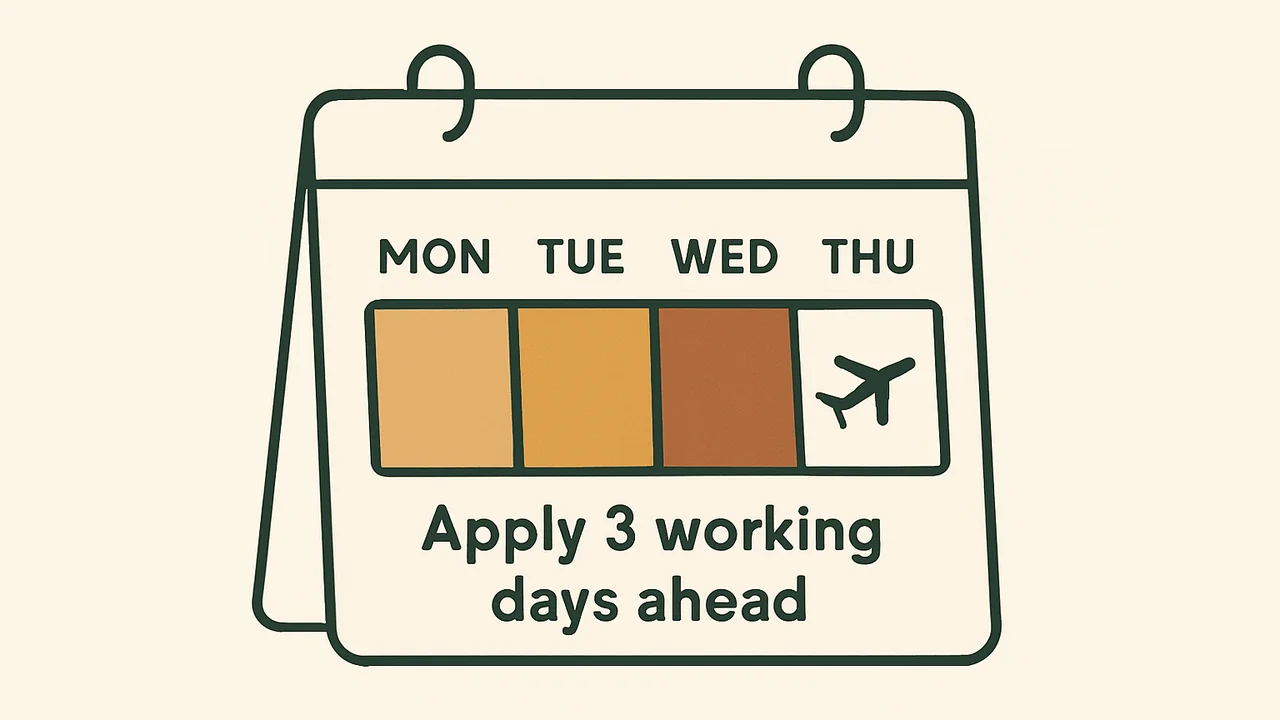
The Home Office recommends applying at least three working days before travel. Most decisions come much faster, but some applications go to a manual review.
Warning. Since 25 February 2026 airlines refuse boarding to visitors who need an ETA and do not have one. eTourist’s own UK page warns against applying at the airport.
Exemption and Transit Checks
Paying for an application you do not need is the most avoidable cost. Run through these before you start.
- Are you a British or Irish citizen, including as a dual citizen? Then no ETA is needed.
- Do you already hold a UK visa or permission to live, work or study in the UK?
- Will you only change planes airside at Heathrow or Manchester, without passport control?
- Will you stay more than 6 months, work for a UK company or marry? Then you need a visa instead.
Contact Details That Matter Later
The email address on the order does more than receive the ETA. eTourist sends information requests there, and its refund policy says refund decisions are confirmed in writing to the email on the order.
Use an inbox you check daily, including while travelling, and add the eTourist address to your contacts so replies do not land in spam. Note the order number as soon as you pay, since support asks for it in every message.
Extra Checks for Group Orders
Every traveller needs their own ETA, babies and children included, each with the GBP 20 fee. On eTourist you set the number of travellers at the start.
Children’s photos have their own rules. They must be alone in the picture. Children under 6 do not need to look at the camera, and babies under one may have their eyes closed.
Note. Check each traveller’s passport number on their own screen. Copying one number into two profiles is an easy slip in a family order.
Before You Hit Submit, Answered
Can I use a phone photo?
Yes. eTourist says a phone photo is acceptable, as long as it meets the GOV.UK photo rules.
Do I need hotel bookings or bank statements?
eTourist’s UK landing page says no financial statements, invitation letters or embassy appointments are needed.
Can I change an answer after submitting?
Not once it is with the government. GOV.UK says you need to apply again to change details.
Which payment methods work?
eTourist’s UK page says all major cards are accepted. The official GOV.UK route also takes Apple Pay and Google Pay.
Can I apply at the airport?
It is possible but risky. eTourist warns against it because a manual review can take up to three working days, and airlines refuse boarding without an ETA.
Is a face scan needed on eTourist?
eTourist’s web form asks for a face photo. The face scan is part of the official UK ETA app, required there for applicants aged 10 and over.
How much does each traveller cost?
The government fee is GBP 20 per person, children included. eTourist’s service fee is added on top and shown at checkout.
What if eTourist emails me a question?
Reply within 7 days. After that the refund policy treats the order as non-responsive.